Welcome to our LIVE RADIO
feed on the net and mobile
Z-Channel Online/Mobile Listener Important
Update We' have pulled our Windows Media And Shoutcast MP4aac feeds. To listen to the Z-Channel, Click here for increased audio quality.
STUFF FROM THE PAST BELOW....
MPEG-4 aacPlus Feed
Get ready to experience a new
and better sounding way to listen to the Z-Channel on
the web. We've installed our newest streaming server, offering you a
choice to
our Windows Media stream. To listen, you'll need a recent version of the Winamp
player.
Initially, we'll be offering aacPlus as service as a free stream only..
Note to Windows Media Player Users
During Winamp install, the
program will ask you what type of files you would
like it to play. If you use Windows Media video files, make sure to
unselect
those
file types. You can do this after install as well.
FREE
Windows Media player is available below.
WHICH LIVE LINK
SHOULD YOU USE?
Here's various options to hear our
signal.
Currently, there are various protocols you can use to listen. Which to use?
We prefer you use the ASX link (we can update this link with text messages)
but if you have trouble for some reason, try the other methods we offer.
Microsoft MMS / Microsoft Media Server protocol:Streaming protocol used
by the Microsoft Media Server.MMS is used to access unicast content from a
Windows Media Server to a Windows Media Player. We are told this protocol is
more robust than the http link, but does not work for everyone.
HTTP: Protocol used by internet browsers and web servers. Typically a web server uses
the TCP port 80. This link should work for most listeners and has the added benefit of
making it through firewalls. If you have low memory issues, try one of the
players that launch on your webpage.
Hi-Speed Dialup: For those of you using a data compression Hi-Speed boost
such as Slipstream or NetZero and having problems launching the player:
In player, goto Tools/Options/Network.. highlight HTTP protocol, Configure, then Autodetect Proxy Settings and try again.
WINDOWS MEDIA AUDIO CONTROLS:
Don't use the WOW effect, as it's best used for low quality mono signals.
Using this with the Z-Feed will just kill the stereo imagery we produce from
the studio... but experiment and see what sounds best for you.
BUFFERING PROBLEMS? Our current feed requires a 56k modem connection or better....
How do you know if you have enough bandwidth to listen?
Just bring up your Windows Media Player and click on view/statistics.
This will bring up a window that tells you everything you need to know, i.e.,
your current bandwidth available, bandwidth in use, packets received, packets
recovered and packets lost. The Z100fm stream is encoding at 32kbs,
which is just about what you'll need.
HOW IT WORKS What you hear is coming directly out of our FM processor that feeds our air signal,
and fed straight to our streaming servers in Chicago, IL for distribution.
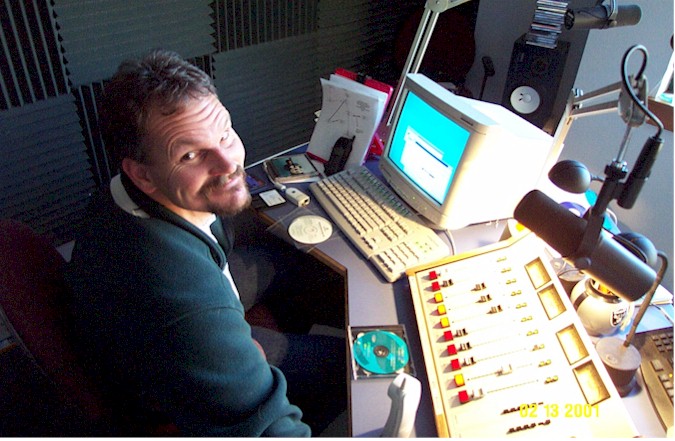
Z-Engineer Rob "Bob-O-Dee" Hanson working on our streaming computers